Live and upcoming sports schedule boards: Premier League, Champions League, NFL, NBA, NHL, MLB, MLS, reminders
UtilityNotificationsEventsFreemium
0Votes this month30Servers
Schedule Discord messages that send themselves: reminders, announcements and recurring posts, one-time or on a calendar, with embeds and forum delivery.
MsgPlanner schedules Discord messages that send themselves. Reminders, announcements and recurring posts delivered at the right time in your server's timezone: one-time, recurring or on a calendar, with a real editor, an embed builder, and delivery to text and announcement channels, threads and forum posts. The quick ones with a slash command inside Discord, everything from the web dashboard.
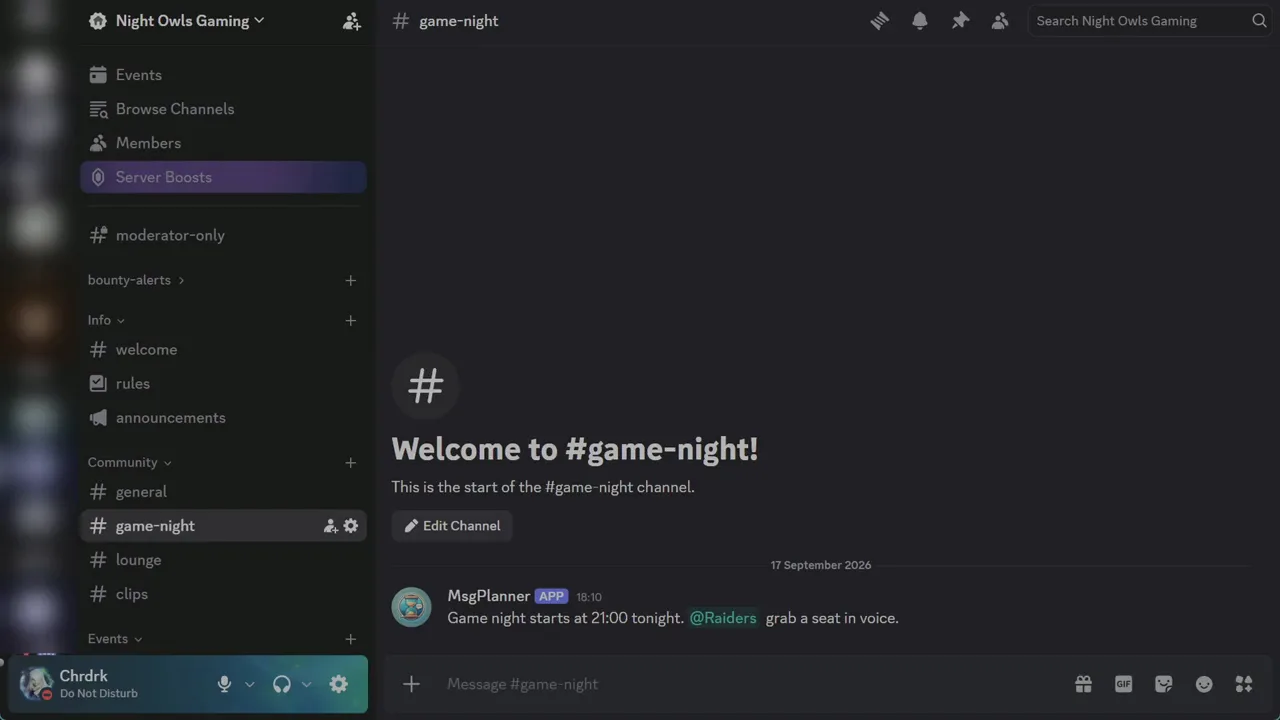
A one-off reminder or a recurring message doesn't need a browser tab. /schedule_msg opens a guided wizard for one-time and recurring messages: channel, text, date, done. From the same panel you list, suspend, resume or delete what exists.
From the dashboard (log in with Discord, pick the server, no setup) you get everything: calendar schedules, the visual editor with live preview, the embed builder, templates and export/import, plus the same list to manage what you created from Discord. Open it at https://dashboard.discordmessageplannerbot.com
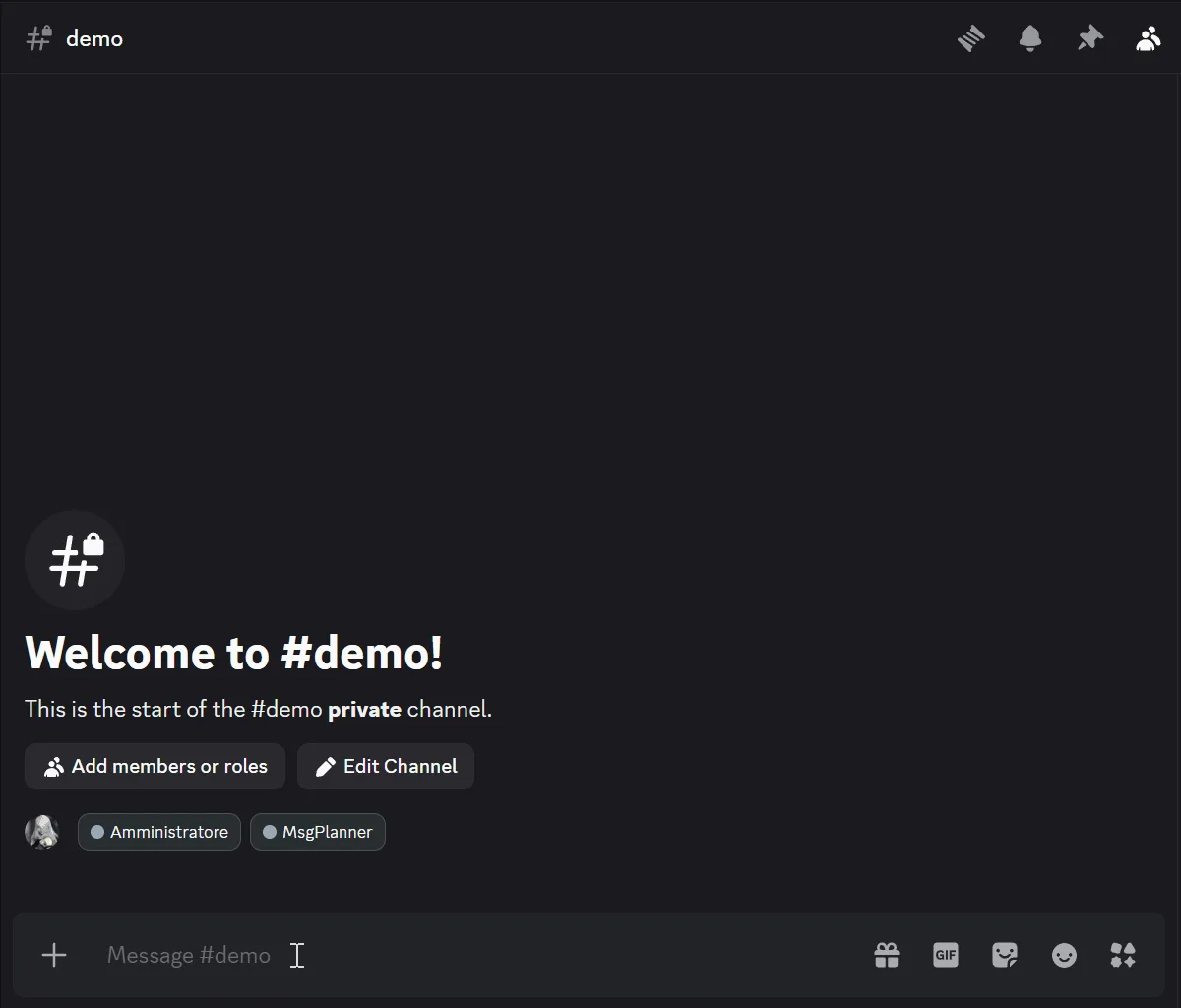
Every schedule runs in the IANA timezone you pick, with daylight saving handled automatically.
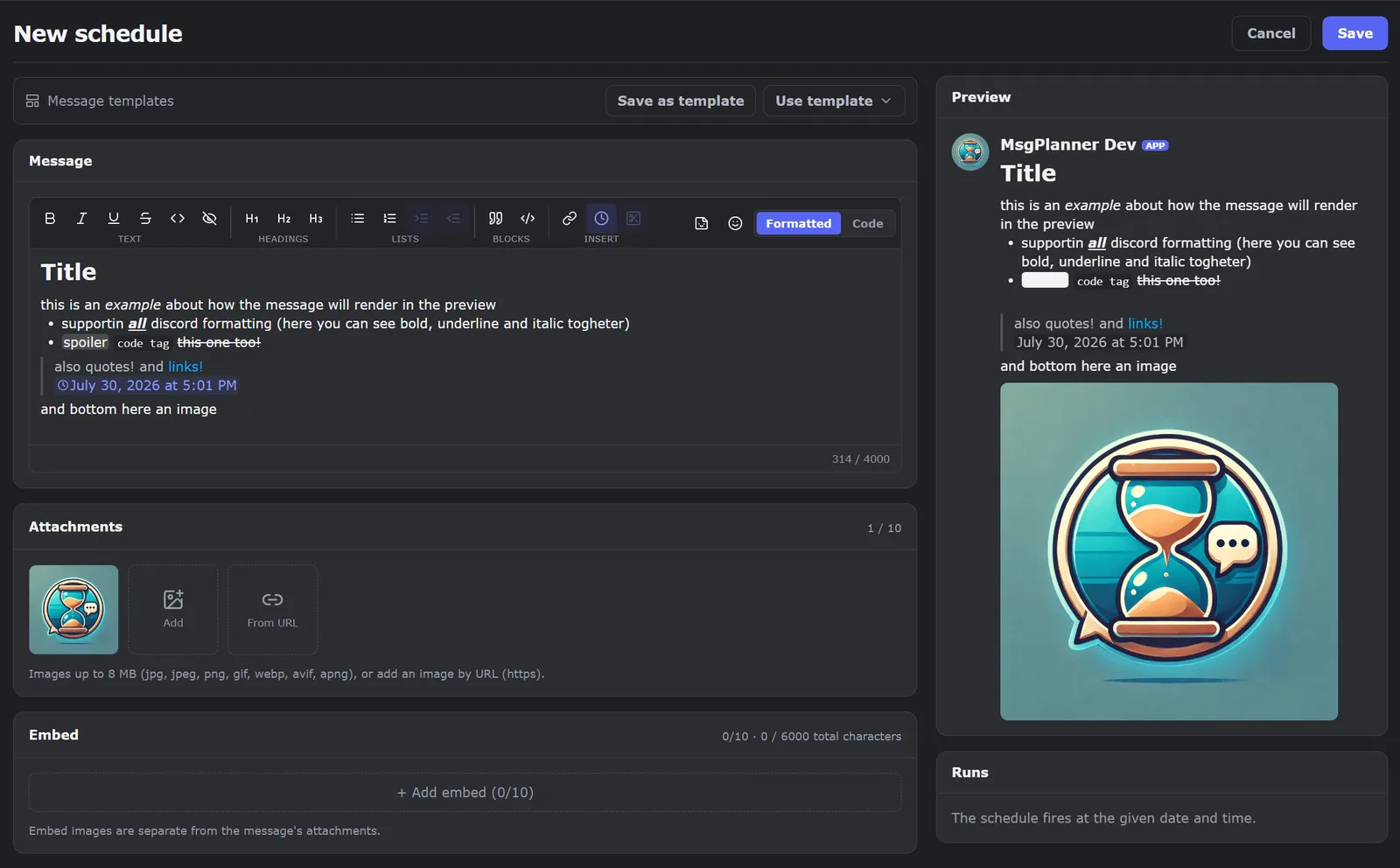
An editor that writes real Discord messages. What you type is what Discord shows: visual editing and raw Discord markdown, headings, lists, quotes, spoilers, code, mentions with autocomplete and your server's emojis, with a live preview that respects the character limits.
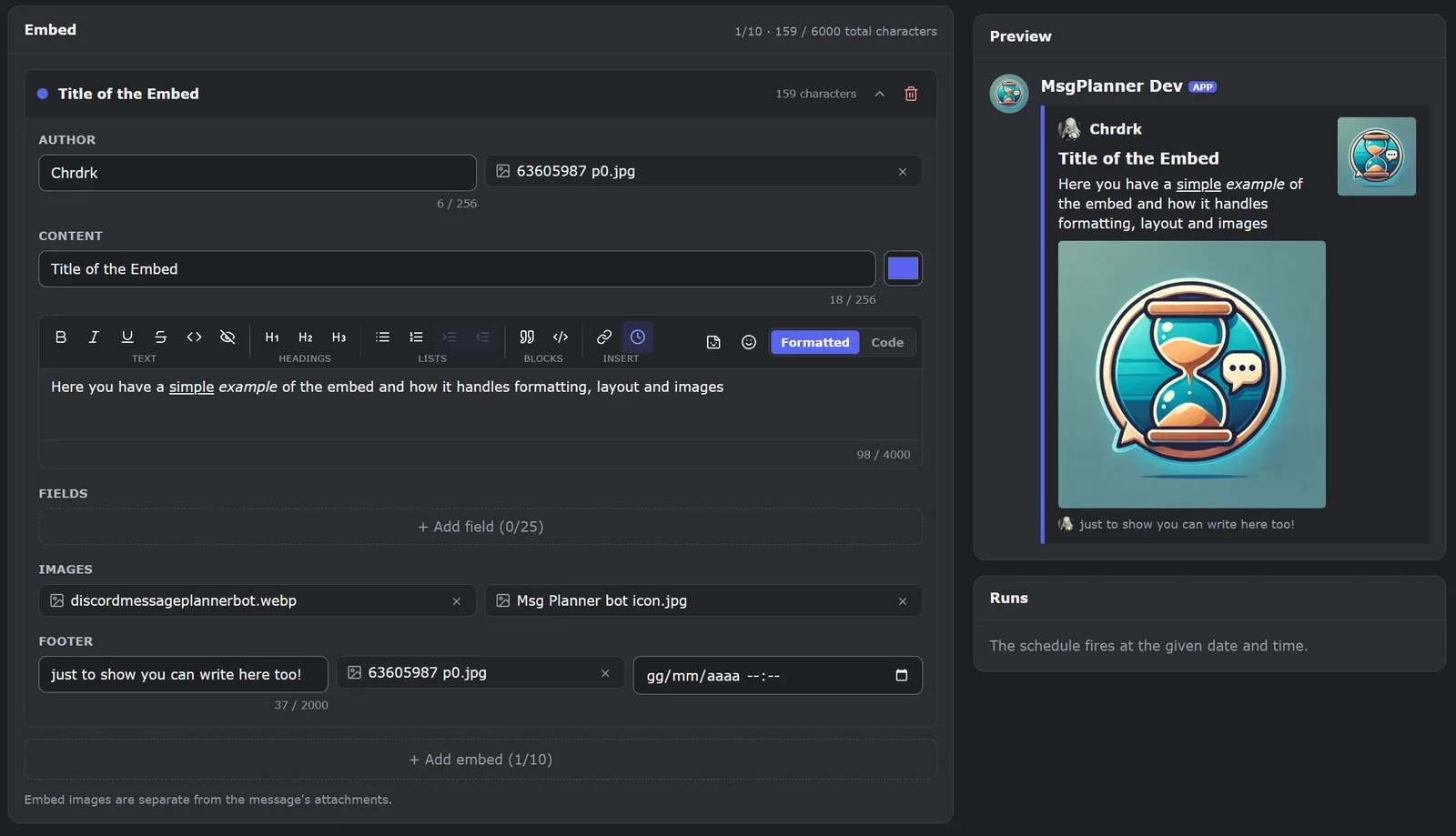
An embed builder that actually delivers. Up to 10 embeds per message, 25 fields each, with author, footer, thumbnail, image and colours, and the real numbers: 6,000 characters for all embeds combined (Discord's cumulative cap: ten embeds share it, they don't multiply it) on top of 4,000 in the message text. Standalone embed tools stop at building the message: here the same embed is scheduled, delivered on time and repeated for as long as you want.
/check_permissions in the channel you want to post in: it tells you channel by channel whether anything is missing./schedule_msg, or open the dashboard, log in with Discord and pick your server.Bot and dashboard speak 9 languages: English, Japanese, Italian, French, Spanish, Portuguese, German, Russian and Turkish.
Free, no expiry: 3 active schedules per server, 200 characters per message, 1 image, all three schedule types, any timezone, forum posts, threads, auto-publish, auto-clean, export.
Elite, $2.99 a month per server: everything unlocked — 120 active schedules, up to 10,000 characters per delivery (4,000 in the message, sent as two Discord messages, plus 6,000 shared by all embeds), 10 images, 10 embeds, 100 templates with rotation, backup import, suspend and resume, custom bot name and avatar. Every server gets a two-week free trial, once. Billed by Discord, managed from your Discord settings.
This is what the bot may do on your server if you add it through the link above.
Votes and views over the last 30 days, counted per day.
| Oct 11 | 0 Votes |
|---|---|
| Oct 12 | 0 Votes |
| Oct 13 | 0 Votes |
| Oct 14 | 0 Votes |
| Oct 15 | 0 Votes |
| Oct 16 | 0 Votes |
| Oct 17 | 0 Votes |
| Oct 18 | 0 Votes |
| Oct 19 | 0 Votes |
| Oct 20 | 0 Votes |
| Oct 21 | 0 Votes |
| Oct 22 | 0 Votes |
| Oct 23 | 0 Votes |
| Oct 24 | 0 Votes |
| Oct 25 | 0 Votes |
| Oct 26 | 1 Votes |
| Oct 27 | 0 Votes |
| Oct 28 | 0 Votes |
| Oct 29 | 0 Votes |
| Oct 30 | 0 Votes |
| Oct 31 | 0 Votes |
| Nov 1 | 0 Votes |
| Nov 2 | 0 Votes |
| Nov 3 | 0 Votes |
| Nov 4 | 0 Votes |
| Nov 5 | 0 Votes |
| Nov 6 | 0 Votes |
| Nov 7 | 0 Votes |
| Nov 8 | 0 Votes |
| Oct 11 | 0 Views |
|---|---|
| Oct 12 | 0 Views |
| Oct 13 | 1 Views |
| Oct 14 | 0 Views |
| Oct 15 | 0 Views |
| Oct 16 | 0 Views |
| Oct 17 | 1 Views |
| Oct 18 | 0 Views |
| Oct 19 | 0 Views |
| Oct 20 | 0 Views |
| Oct 21 | 0 Views |
| Oct 22 | 0 Views |
| Oct 23 | 1 Views |
| Oct 24 | 6 Views |
| Oct 25 | 0 Views |
| Oct 26 | 3 Views |
| Oct 27 | 1 Views |
| Oct 28 | 0 Views |
| Oct 29 | 0 Views |
| Oct 30 | 0 Views |
| Oct 31 | 0 Views |
| Nov 1 | 1 Views |
| Nov 2 | 4 Views |
| Nov 3 | 2 Views |
| Nov 4 | 1 Views |
| Nov 5 | 2 Views |
| Nov 6 | 3 Views |
| Nov 7 | 1 Views |
| Nov 8 | 0 Views |
Oct 11 – Nov 8
No reviews yet.
Live and upcoming sports schedule boards: Premier League, Champions League, NFL, NBA, NHL, MLB, MLS, reminders
The economic calendar for Discord: Forex Factory releases with timed alerts, Kalshi odds, IPO calendars, and US movers, posted to the channels you choose.

BTC, ETH and BNB market regime status for Discord with automatic regime-change notifications.